






Specops Password Policy


Banish Over 6 billion Compromised Passwords.


Attackers use AI to run credential stuffing and password spraying campaigns against your AD at massive scale. We continuously block over 6 billion unique compromised passwords, simplify your policy management, help easily enforce compliance, and lower your support burden by giving end users a better security experience.

Product demo GIF

Why Specops for AD Password Security

Block Over 6 Billion Breached Passwords

Get peace-of-mind knowing that you are backed by one of the largest databases of compromised passwords in the world.

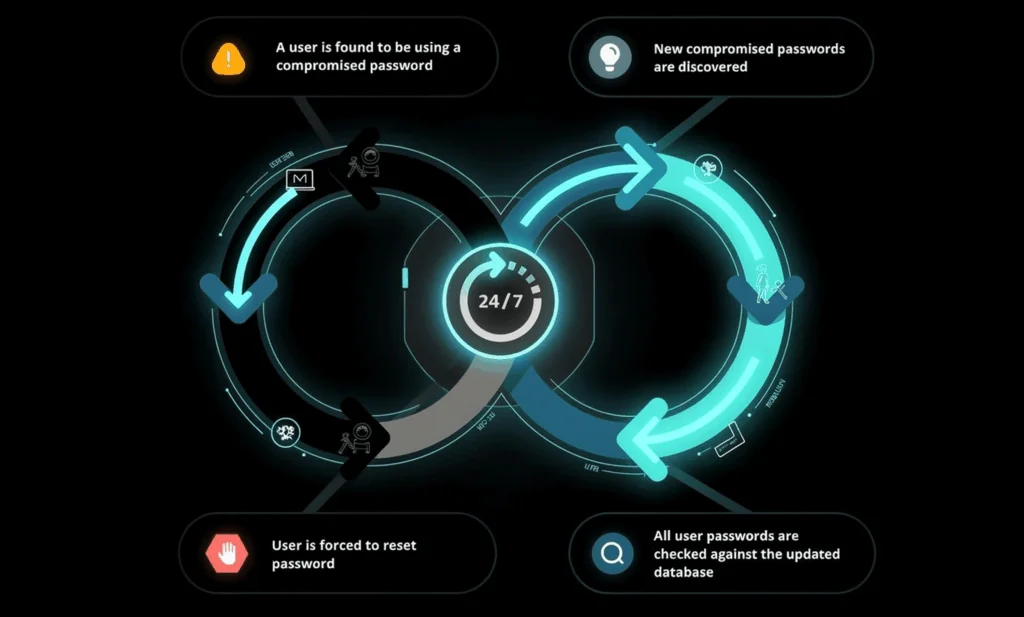
Always-on Breached-Password Triggers

Our solution continuously scans for breached passwords daily, from real-time attack monitoring systems, not only at password change or reset.

Better User Experience, Lower Support Costs

Our simple interface integrates seamlessly with Active Directory. Fewer password problems mean fewer helpdesk tickets and measurable ROI.

Secure Your Active Directory Passwords

AI-powered tools automate the discovery and exploitation of weak or reused passwords at a scale and speed no human attacker could match. Continuous, real-time scanning is the only adequate response. Specops Password Policy lets you greatly reduce your organization’s attack surface through a simple interface that easily integrates with Active Directory.

Continuously Block Over 5 Billion Breached Passwords 

  • Breached Password Protection feature blocks over 6 billion unique compromised passwords including credentials harvested by AI-driven infostealers and used in large-scale automated attacks
  • Continuous scan feature finds breached passwords daily, instead of only at password change or reset
  • Includes passwords from real-time attack monitoring system that monitors live brute force attacks, plus malware-stolen data from our human-led Threat Intelligence team

Better User Experience for Fewer Service Desk Tickets

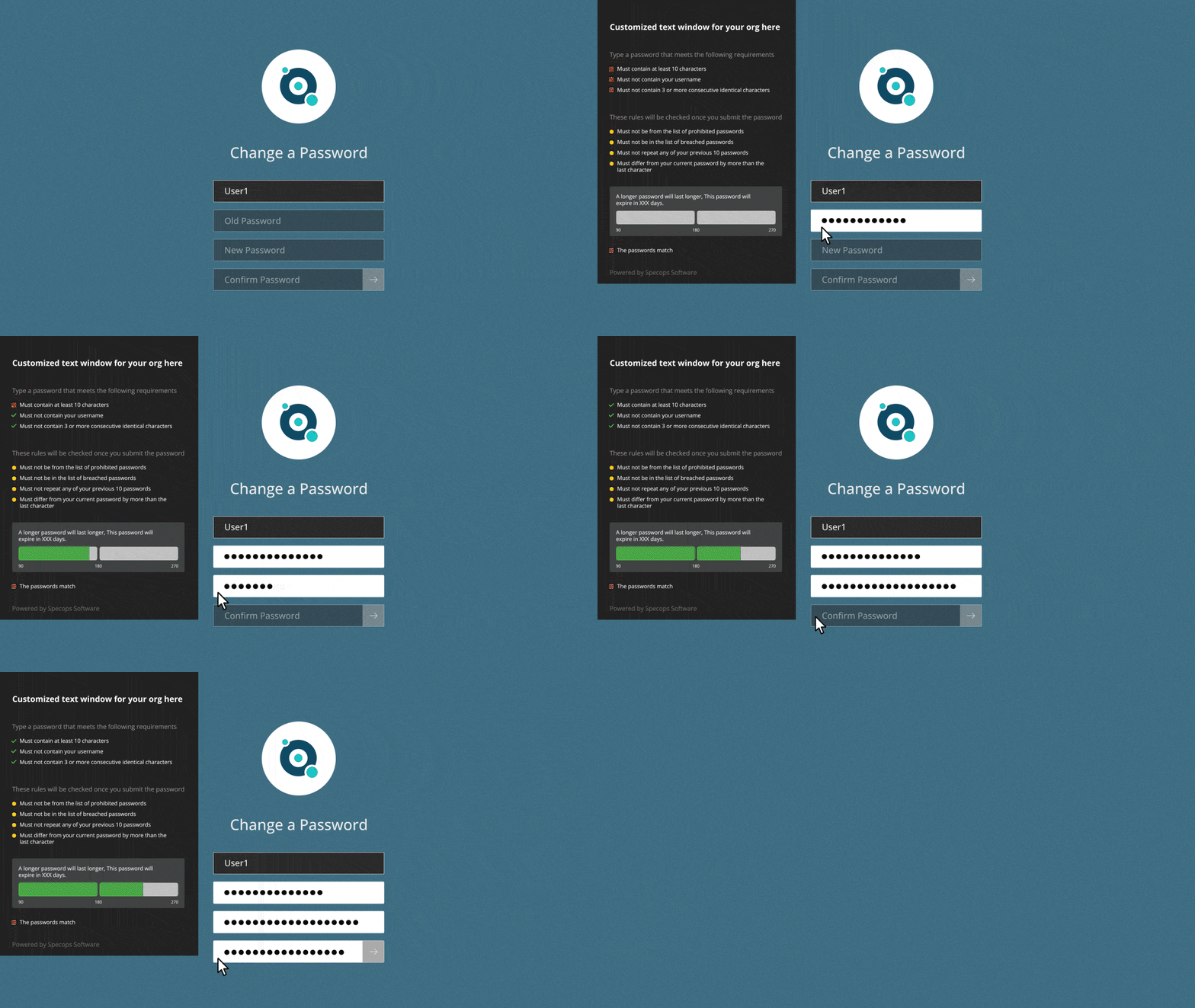
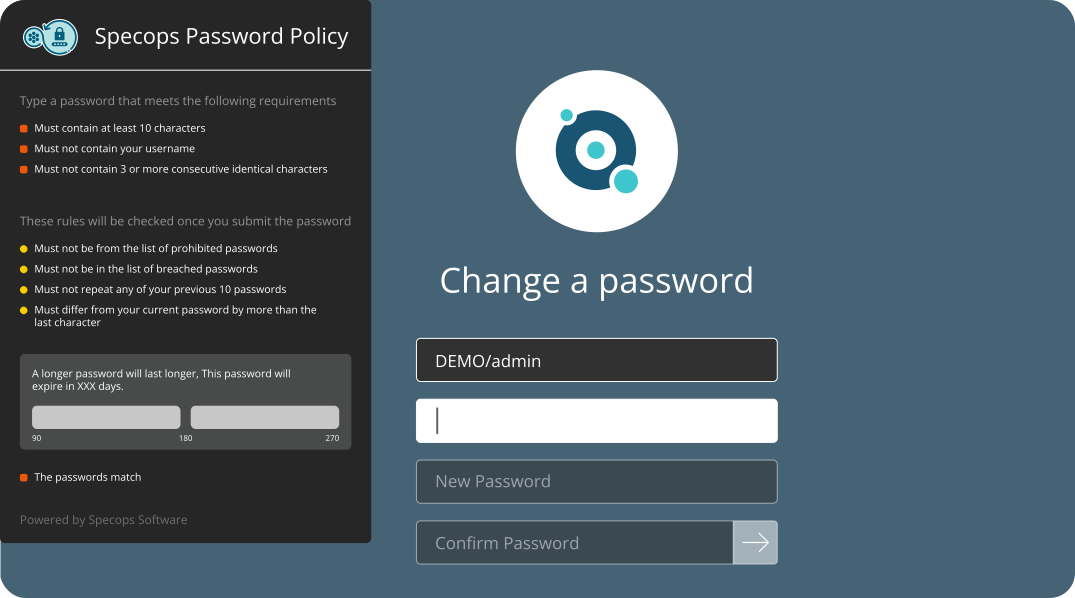
  • Dynamic feedback reacts to user input, guiding them to create strong passwords they can actually remember
  • Customizable SMS and/or email notifications to alert users if their password has been compromised
  • Easy-to-understand, simple user experience avoids password frustration and fatigue, meaning fewer calls and emails to the support desk

Quickly Create and Enforce Compliant Password Policies

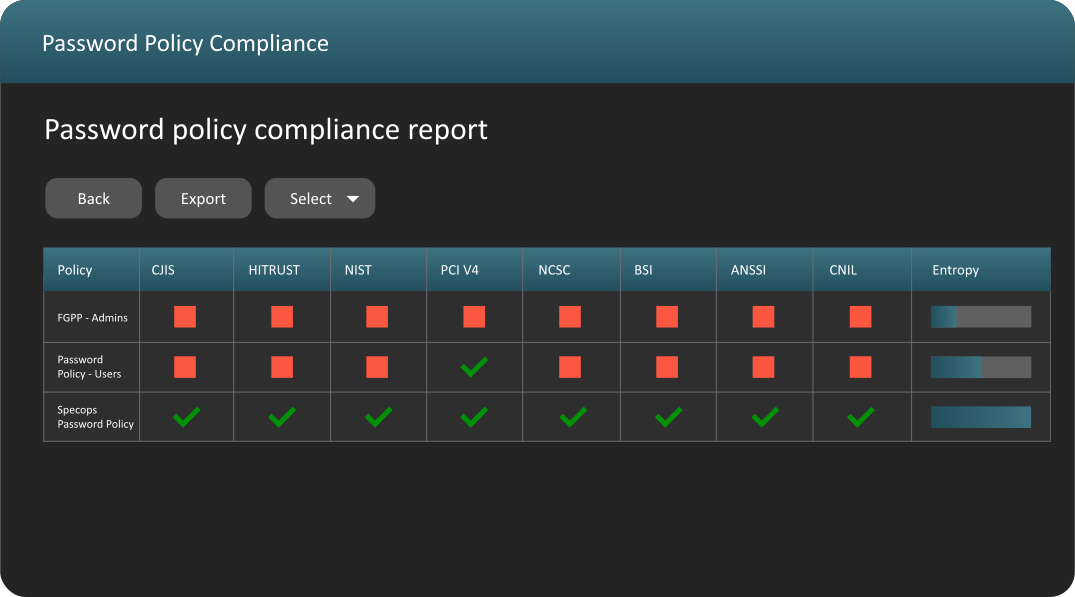
  • Readymade compliance templates and reporting tool ensure you match standards
  • Comply with cybersecurity regulations (e.g. NIST, CJIS, NCSC, ANSSI,) and privacy regulations (e.g. CNIL, HITRUST, PCI)
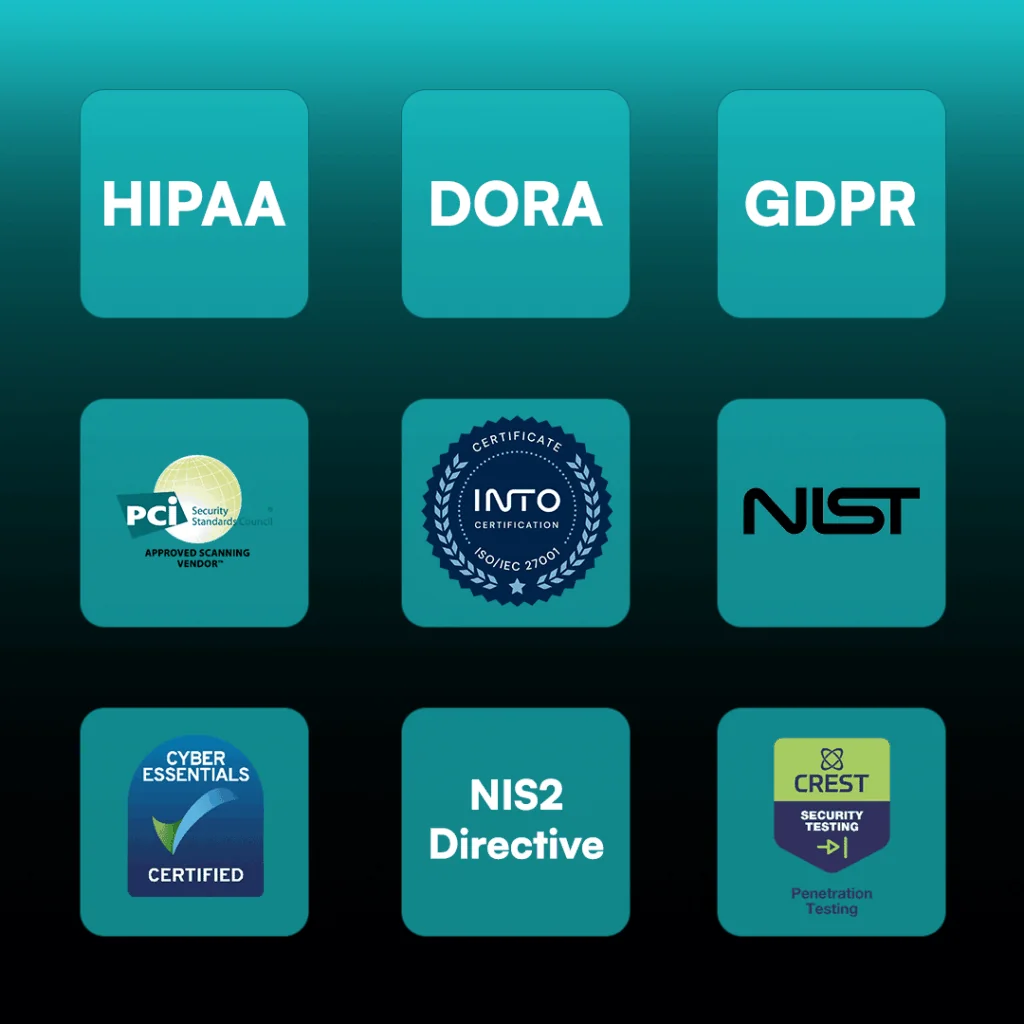
compliances and certifications

Compliance Readiness 

Simplify your compliance and audit efforts. Specops Password Policy is designed to align with these common regulatory and industry requirements:

Customer Reviews From Gartner Peer Insights & More

See what satisfied customers on Gartner Peer Insights had to say after buying and deploying Specops Password Policy

Overall
Ease of Use
Customer Service

Customer Reviews From Capterra

Features

We check your Active Directory on a daily basis against a continuously updated database of unique known breached passwords – not just at expiry or reset.

Continuous scanning against list of 5 billion (and counting) compromised passwords

Create an unlimited custom dictionary of blocked words unique to your organization – use Regex to further customize requirements

Block user names, display names, consecutive characters, incremental passwords, and reusing parts of current passwords to protect against targeted attacks

Informative end-user client messaging at failed password change that reduces calls to the helpdesk

Our client supports wrapping, making it easy to pair with your chosen MFA solution

Granular, GPO-driven targeting for any GPO level, computer, user, or group population

Prevents the use of passwords being used in attacks happening right now

Length-based password expiration with customizable email notifications that rewards users with more time before the next reset when they set longer passwords

Real-time, dynamic feedback at password change with the Specops Client

Over 25 languages supported including English, French, German, Spanish, and Chinese

Frequently Asked Questions

A strong password policy encourages unique passwords that are hard to guess. A strong Active Directory Password Policy protects the network from unauthorized access. 

Most cybersecurity regulations recommend screening new passwords against a list of known compromised passwords. Find more detailed advice on best practice for Active Directory security in our blog.

A weak password policy in Active Directory does not disallow commonly used words nor does it block known breached passwords.

Active Directory does not check for breached passwords out-of-the-box. With some configuration, Administrators can check Active Directory passwords against the Have I been Pwned password list.

The fine-grained password policy in Active Directory is not compliant with common cybersecurity requirements. With a third-party tool like Specops Password Policy, system admins can easily enforce a NIST-compliant password policy.

Yes, the latest Specops Client has built-in Imprivata compatibility, giving your users a seamless password management experience on Windows devices.

Want to Know More?

Explore additional resources.

screen with lock on it

Datasheet

Comprehensive overview of Specops Password Policy features
Learn More

Weak Password Report 2026

Analysis over six billion malware-stolen credentials collected during 2025
Learn More

How to deploy a password policy

Free guide to download
Learn More

Want a Live Demo? Let’s Talk!

See how Specops Password Policy can fit in with your organization with one simple Active Directory integration. Complete our quick info form and choose a convenient time to meet. 


Need More Info?

Stay in the Loop with Specops

Check our latest research, blogs, and best practices to level-up your cybersecurity program.

View All Posts