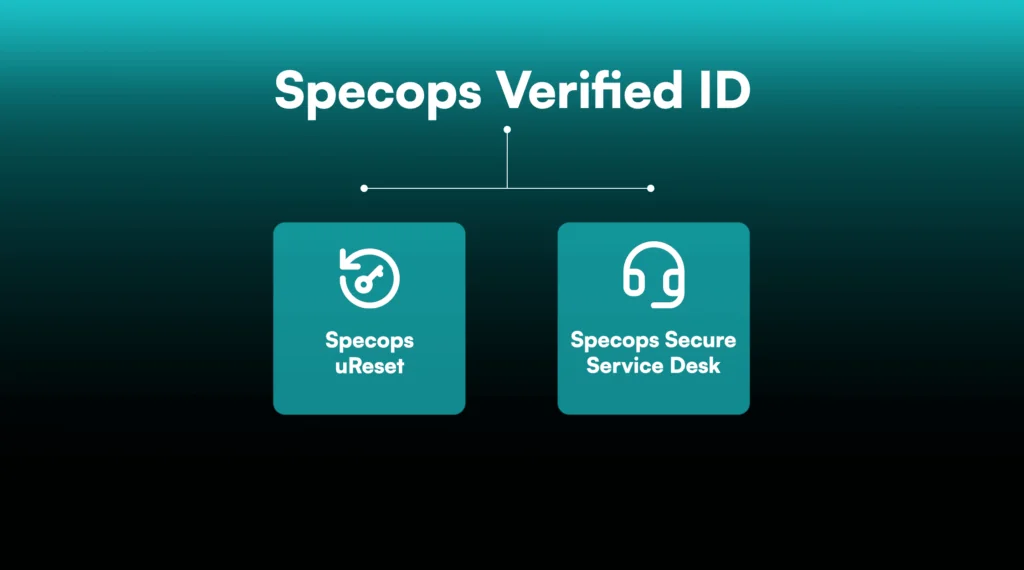

Specops Verified ID


Verify User Identity with Government-Issued ID & Biometric Liveness Checks

AI has made voice cloning and deepfakes more prevalent than ever. Specops Verified ID is powered by AI and machine learning algorithms to help secure your employee onboarding and key recovery processes from impersonation and phishing attempts.

Verify Identity With Confidence

High-Assurance Verification

Ideal for high-risk verification: onboarding, service desk calls, & password resets

Phishing-Resistant by Design

Protect against social engineering, SIM-swapping, insider threats, and phishing

Seamless for Users, Simple to Deploy

Admins can add to Specops workflows via straightforward configuration

Why Specops Verified ID?

Identity-based attacks are increasingly targeting service desks and recovery workflows. It’s vital you can reliably verify your end users while onboarding, resetting passwords, and during recovery events.

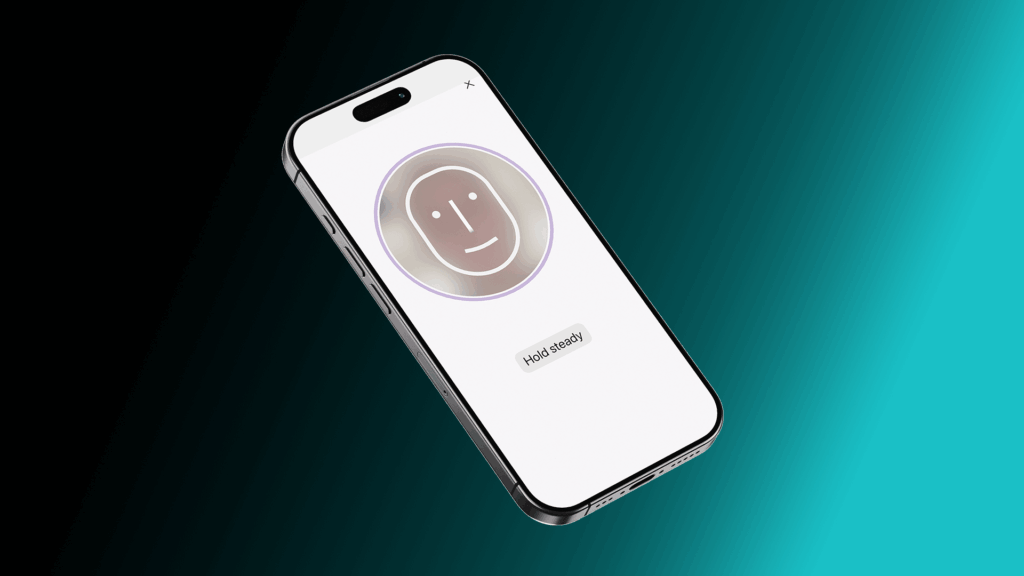
Specops Verified ID Liveness Scan

Biometric Liveness Detection

  • Modern deepfake-generated video and AI-synthesized voice can easily deceive human agents and basic face-matching tools
  • Prevents the risk of service desk impersonation attacks leading to account takeover, which have become key attack vectors in the age of AI vishing
  • Phishing resistant by design. AI-driven analysis of real-time facial movements and depth cues to confirm physical presence and block fraudulent attempts using photos, videos, or masks
  • Good end user experience. Fast and intuitive app-based verification process via Specops:ID that doesn’t frustrate legitimate users

Government Document Scanning and Validation

  • AI-generated forgeries of identity documents are an emerging threat and hard to detect without the right tools
  • Reads machine-readable zones and standardized security features to detect forgery, leveraging AI and machine learning algorithms. All AI and machine learning algorithms are pre-trained and operate without using or retaining customer data for training purposes.
  • Verified attributes are validated against the user’s record in Active Directory, ensuring the person requesting access is the legitimate account holder
  • Support for 16,000+ government-issued identity documents (including passports, driver’s licenses, and national identity cards) across 254 countries and territories

Simple Integration Into Existing Workflows

  • Natively integrates with Specops uReset and Specops Secure Service Desk. No separate deployment required or complex installation process
  • Automates verification workflows to reduce agent handling time spent on manual processes
FDP Asset

Extra Onboarding Security Layer

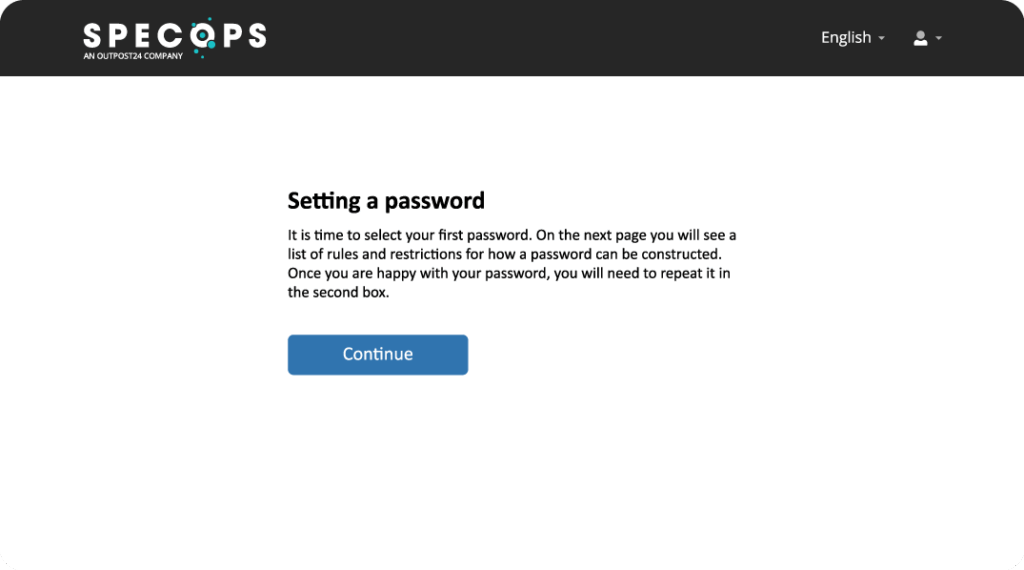
  • Securely verify new employees ahead of setting their first password, combined with the First Day Password add-on
  • IT staff never have to share a first day password with a new hire ever again

How it Works: A Simple, Secure Process

Step 1: User Prompted to Verify

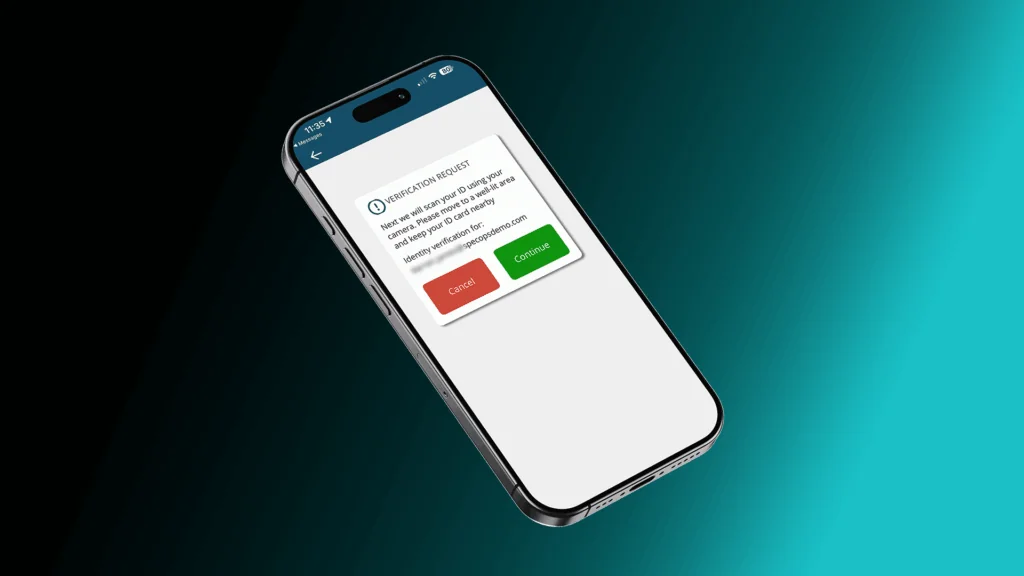
A user is onboarding or attempts to self-reset a password or has called the service desk. They’re prompted to verify their identity through the Specops:ID mobile app, which is free and available on iOS & Android.

Step 2: Document Verification

The user scans their passport, driver’s license, or national identity card. Specops Verified ID supports a broad range of government-issued documents used worldwide, including standardized security features such as holograms and machine-readable zones.

Step 3️: Biometric Liveness Validation

Real-time biometric liveness analysis checks for genuine facial movements, depth cues, and other indicators of human presence — distinguishing the real user from photo, video, or mask spoofing attempts.

Step 4️: Directory Validation

Key identity attributes extracted from the document are automatically validated against the user record provisioned in Active Directory, ensuring the person is who they claim to be.

Step 5️: Verification Passes

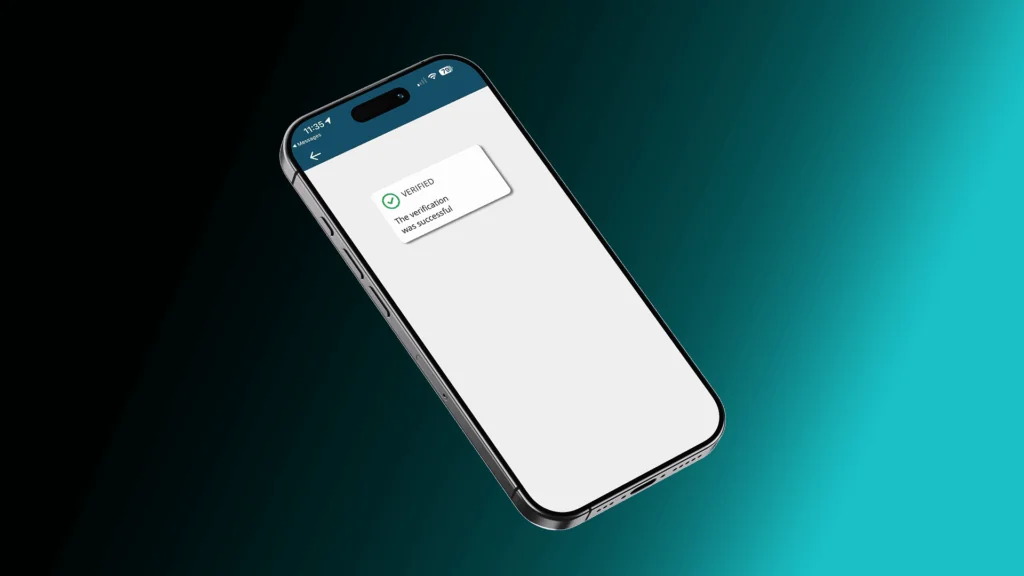
If the user is successfully verified against their records, the reset or request is authorized and proceeds via SSPR or the service desk agent.

See Specops Verified ID in Action

As attackers increasingly use AI to make phishing and social engineering attacks faster and more convincing, the identity verification methods most organizations rely on today simply aren’t keeping up. Watch the video to see how Specops Verified ID replaces guessable, spoofable verification with government-issued ID scanning and biometric liveness detection across the scenarios where it matters most.

A Natural Fit With Specops Products

Specops Verified ID slots directly into your existing workflows, with no parallel systems or separate enrolment process for your users.

  • Specops uReset
    • Add high-assurance identity verification to self-service password resets.
    • Securely verify new hires during the onboarding process.
  • Specops Secure Service Desk
    • Equip agents with the strongest verification method at the point of highest risk.

Frequently Asked Questions

Yes, all of the AI and machine learning algorithms used by Specops Verified ID are pre-trained and operate without using or retaining customer data for training purposes.

No, the sensitive data (passport image, selfie) is encrypted in transit to Specops systems in temporary storage and cleared immediately after use.

Suppliers of any underlying technology never see any IDs or photos – only license usage.

See Specops Verified ID in action

Request a demo to see how Specops Verified ID can add biometric liveness detection and government document scanning to your identity verification workflows.


Need More Info?

Stay in the Loop with Specops

Check our latest research, blogs, and best practices to level-up your cybersecurity program.

View All Posts