
First Day Password


Secure New Hire Passwords from Day One

Protect your onboarding process from AI-powered phishing, voice cloning, and credential interception. New hires verify who they are and set their own first password securely.

Secure Identity Verification for New Hire Onboarding

Eliminate Password Sharing

Never send a first day password by email, SMS, or by hand again. New employees can securely set their own password instead of receiving it from IT.

Verify New Hires Before Password Creation

Employees can verify their identity using factors of IT’s choosing. Customers with Specops Verified ID can use government-issued ID verification and biometric liveness.

Simple for IT, Easy for Users

IT can automatically share an enrollment link by text or email, or direct employees to the Reset password link on the Windows logon screen if they have not enrolled yet.

Why First Day Password?

AI-powered phishing tools now make it trivial to craft convincing impersonations of IT or HR onboarding emails and intercept a new hire’s initial credentials. Close that gap by letting employees establish their own secure first password without exposing it.

Secure First-Day Access

Help new hires get access quickly without relying on insecure password sharing methods. First Day Password is designed to secure the onboarding password process from minute one.

Built for Modern Onboarding

Support remote, hybrid, and high-volume onboarding scenarios with a process that works through a shared enrollment link or from the Windows logon screen.

Reduce Service Desk Work

A guided password setup flow with dynamic policy feedback helps users self-correct before submission, reducing avoidable password-reset calls.

How It Works: A Simple, Secure Process

First Day Password is part of Specops uReset and integrates natively with Active Directory. Configuration is handled through Group Policy, with user data stored directly in Active Directory and no external password database required. The cloud-hosted authentication, web, and identity services keep deployment simple.

Step 1: User Receives an Enrollment Link

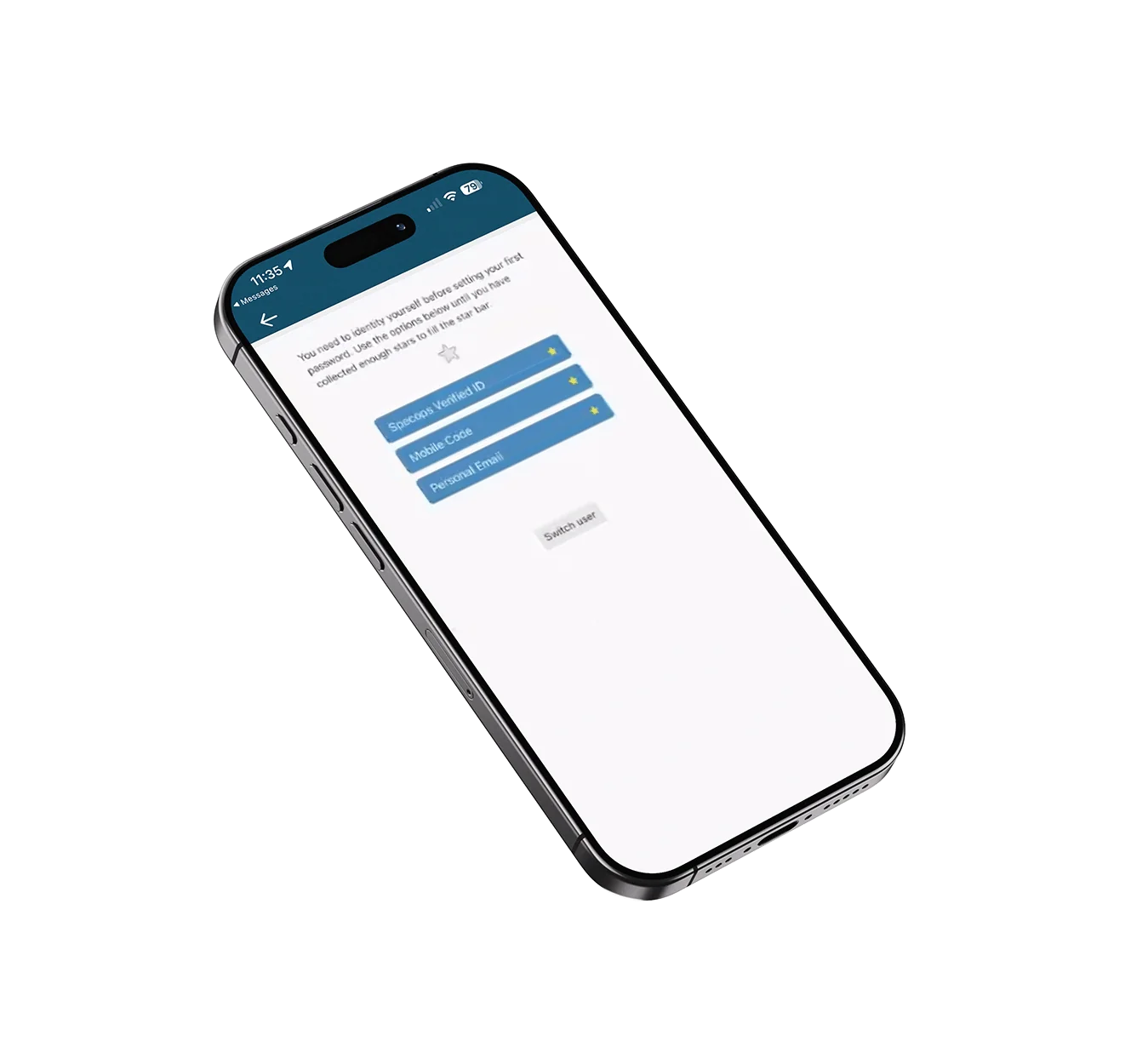
The System sends the new hire a link that can be used from their smartphone or directly on their newly received laptop from the Reset Password link on the Windows login screen.

Step 2: Identity Is Verified

Before the password is created, the employee verifies who they are using the identity check factors configured by IT. These can be OTP’s or optionally using a Government issued ID like a driving license or passport along with liveness check via a selfie.


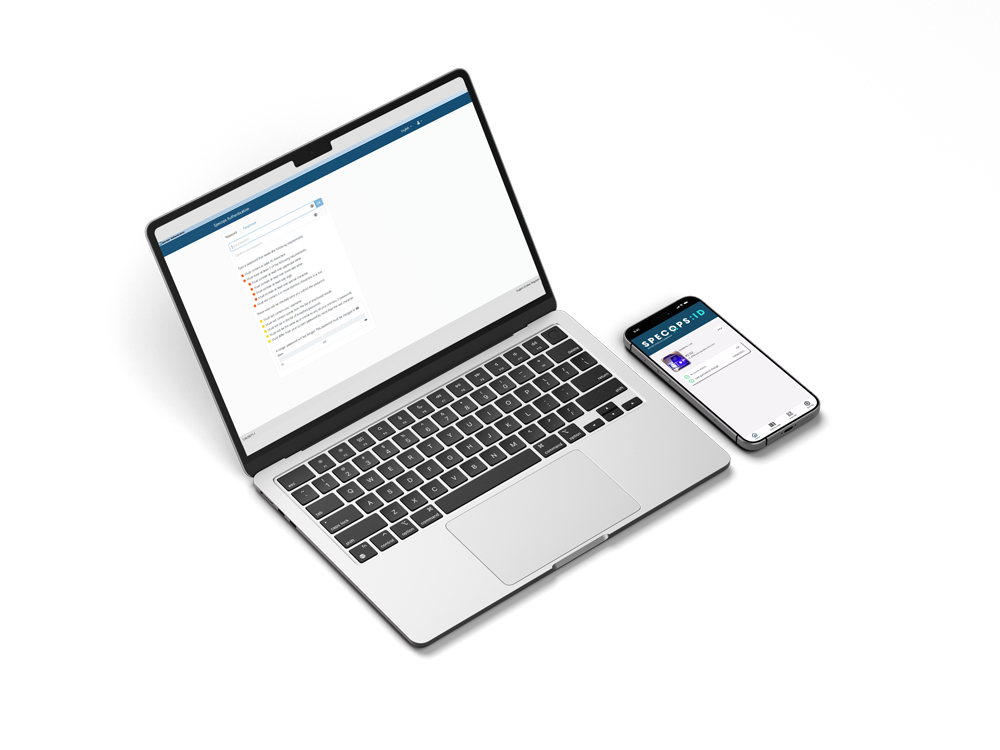
Step 3: Password Rules Are Displayed Live

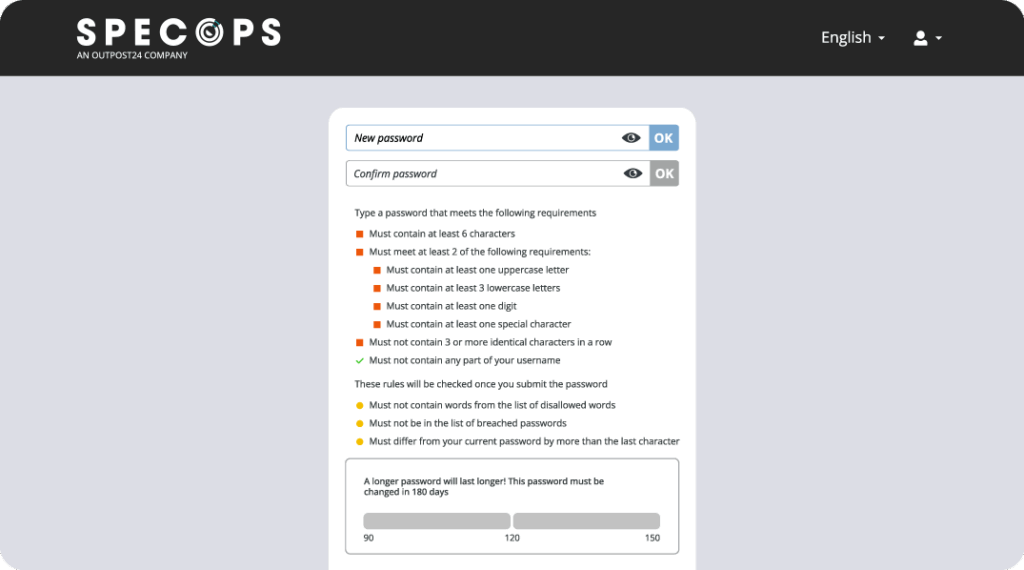
The user is shown a dynamic password policy screen with real-time feedback as they type, helping them meet policy requirements before submitting the password. Customers using Specops Password Policy can also add length-based aging guidance and compromised password checks.

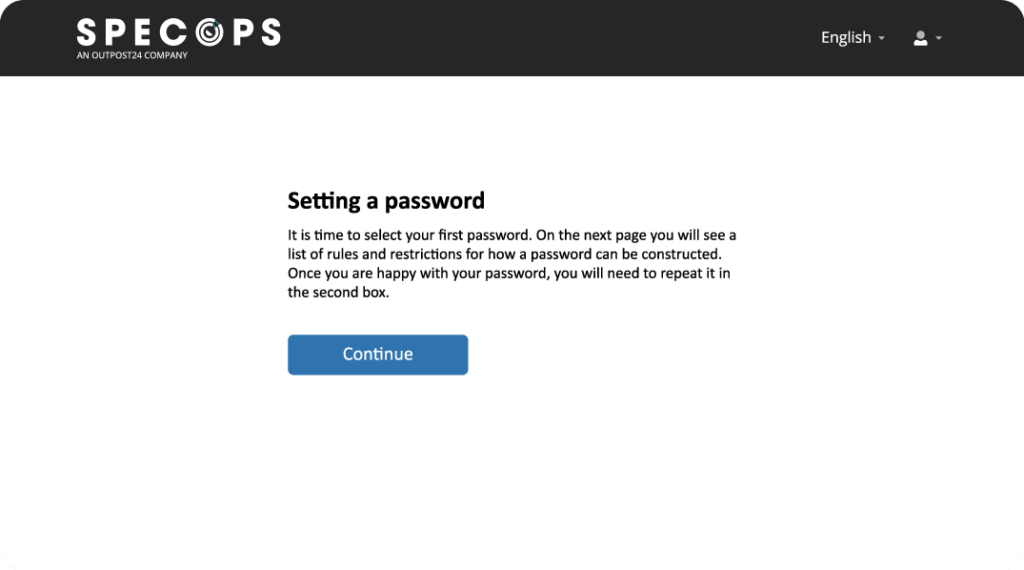
Step 4️: First Day Password Is Set Securely

Once the password meets policy, the user completes setup and starts work with a secure first password that was never exposed to anyone in plain text, along with a confirmation message instructing them on what to do next.

A Natural Fit with Specops uReset

First Day Password is an add-on feature for Specops uReset, extending self-service password management to the onboarding stage. It fits naturally into existing Active Directory workflows and helps organizations secure not just password resets, but the very first password a new hire creates.

  • Add secure onboarding to your existing password management process.
  • Enable new hires to verify their identity before setting their first password.
  • Keep onboarding simple for IT while improving security for the business.
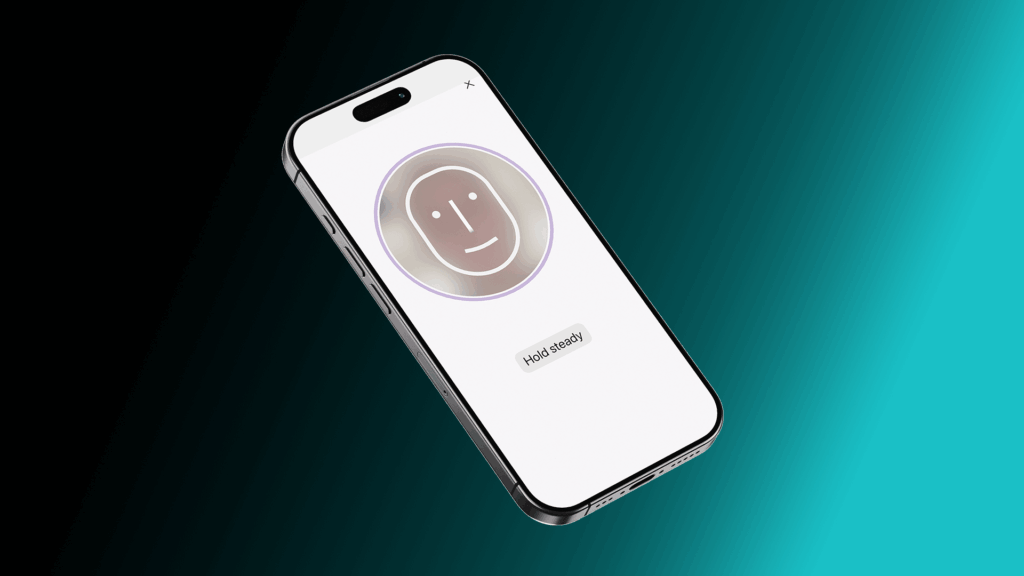
Specops Verified ID Liveness Scan

Specops Verified ID: Phishing-Resistant Verification

The Specops Verified ID add-on spots the most deceptive AI-based impersonations. It adds government-issued ID scanning and biometric liveness detection, powered by AI and machine learning algorithms, to your onboarding workflow for the ultimate phishing-resistant verification.

  • Government-Issued ID Verification
  • Biometric Liveness Detection
  • Validated Against Active Directory
  • Simple to Add to Your uReset Workflow
  • Global Document Support

Frequently Asked Questions

First Day Password removes the need to send a first password in plain text. Instead, the user verifies their identity and sets the password themselves.

No. The datasheet says it is configured through Group Policy and stores user data directly in Active Directory, so there is no external database required for password-related information.

Yes. If they do not use the link ahead of time, they can begin the process from the Reset password link on the Windows logon screen.

Yes. The flow includes dynamic password policy feedback, and customers using Specops Password Policy can also show compromised password checks and length-based guidance.

Want a Live Demo? Let’s Talk!

Find out how uReset with First Day Password fits into your organization and improves the onboarding experience.


Need More Info?

Stay in the Loop with Specops

Check our latest research, blogs, and best practices to level-up your cybersecurity program.

View All Posts