Our dedicated Product Specialist team is always ready to help you when you need it the most.
Contact Support
How do I remove an old gatekeeper?
Log on to the server with the gatekeeper and launch the Specops Authentication Gatekeeper Admin application and locate the Admin pages and Reporting Readers url under Useful Links.
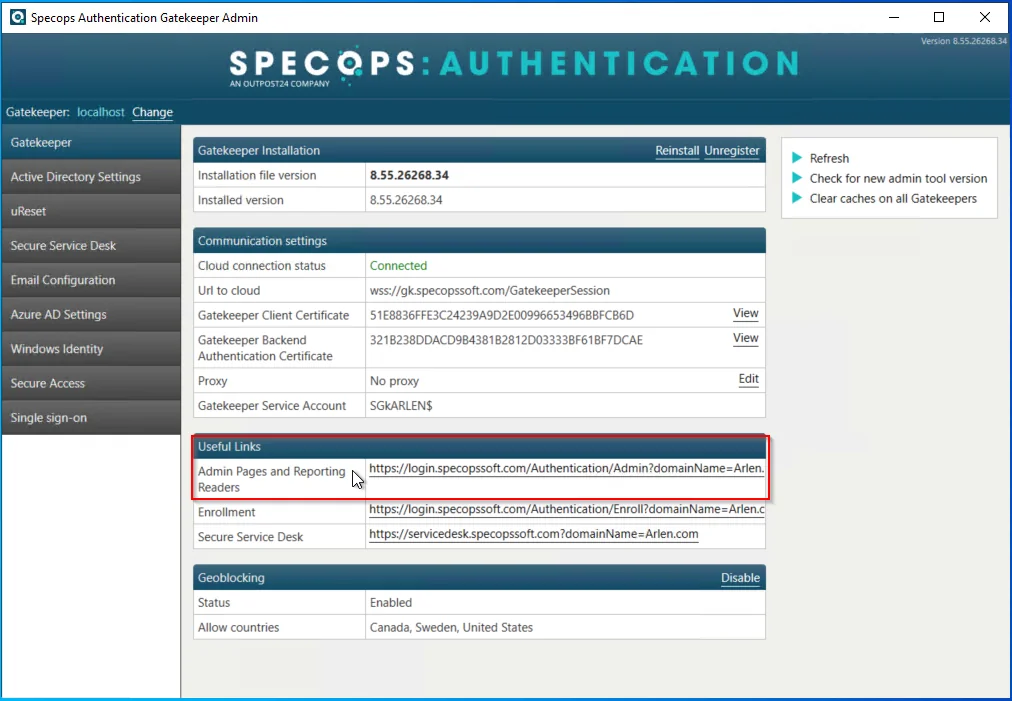
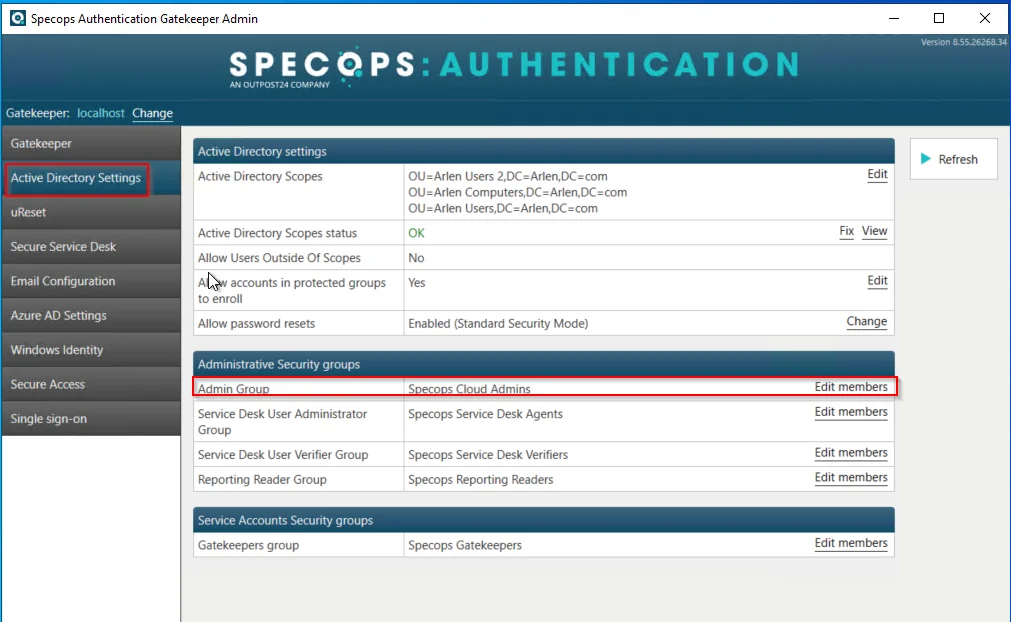
Copy the link and open it on the new server and log in using an account that is a member of the Specops Cloud Admins group.
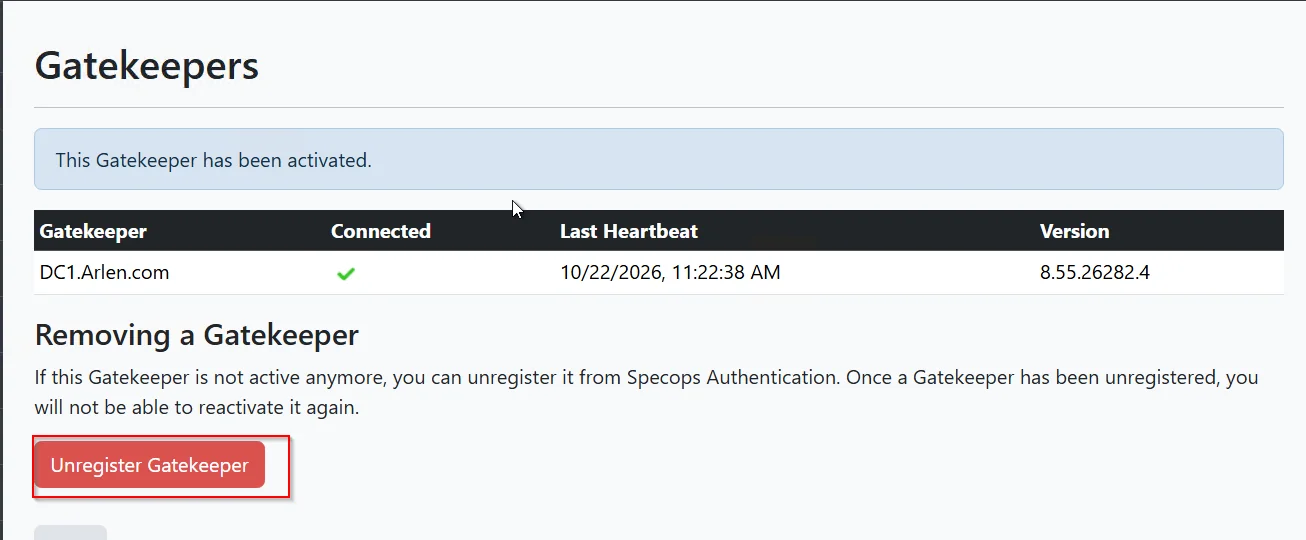
Once you are logged in, go to the Gatekeepers tab and click on the Gatekeeper you wish to remove and select unregister:
You would then remove the Specops Authentication Gatekeeper and the Specops Authentication Gatekeeper administration applications from the Add/Remove Programs or Apps & features.
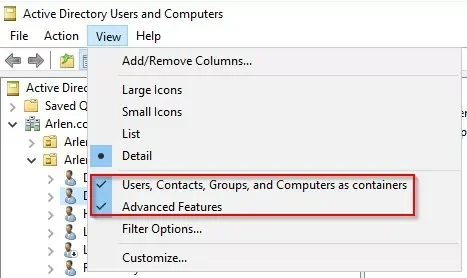
Go to active directory with and enable these 2 options:
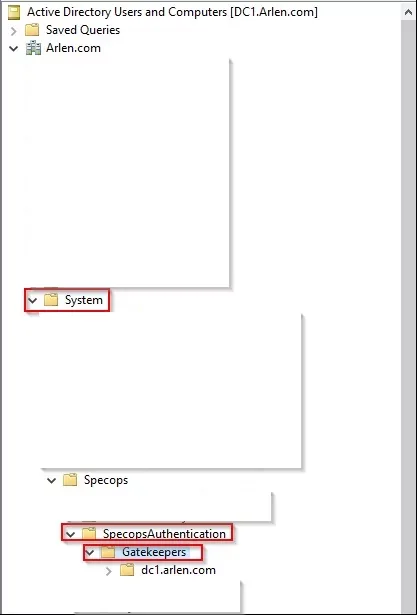
Then navigate here and delete the old server name under the gatekeepers container: