

Our dedicated Product Specialist team is always ready to help you when you need it the most.
Contact Support
Error: A browser runtime could not be found.
*Applies to client version 7.25 and below*
This error will appear when the Specops Cefsharp runtime installer client for the secured browser needs to be upgraded on the computer, or if it’s not installed at all.
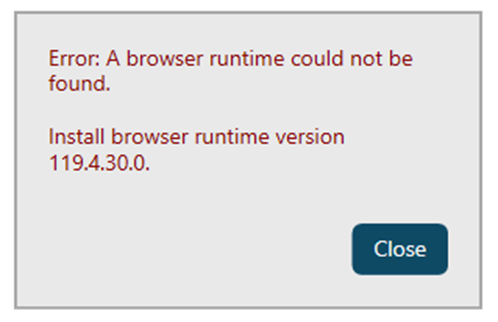
The solution is update to the latest client which packages the browser runtime and the client in 1 package for installation. The download link is :https://specopssoft.com/support/specops-client/download
To Upgrade:
- Install the new version of the client
- Remove the old browser runtime version