






The Reset Gap: How Storm-2949 Weaponized Native Entra ID Features
Understand how Storm-2949 leveraged the Entra ID SSPR process to access an organization’s cloud resources.
Read moreOverdue a password health check? Audit your Active Directory for free.

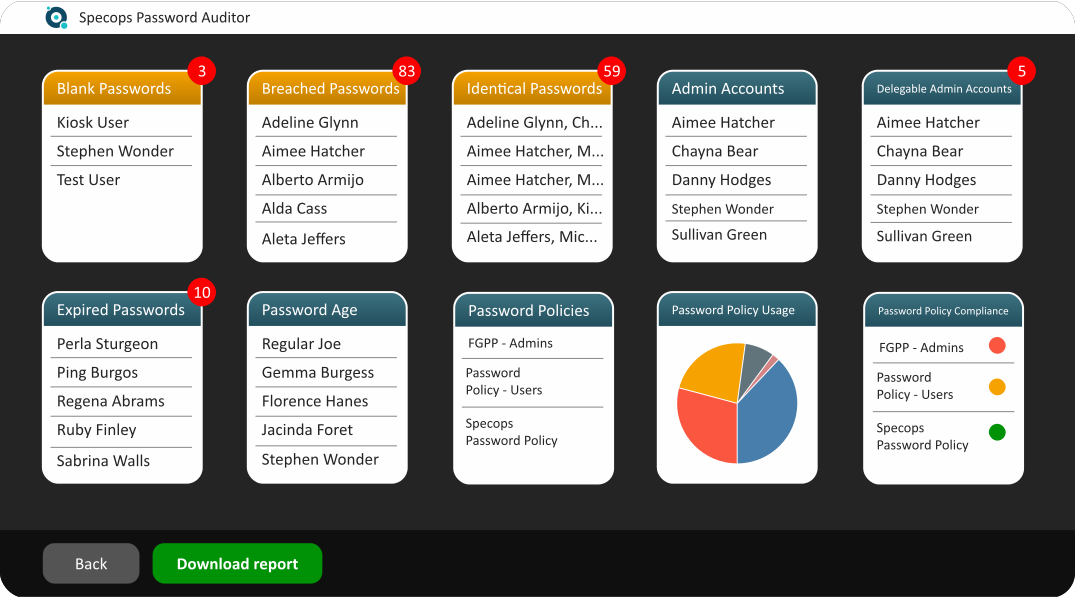
Specops Password Auditor is a read-only audit tool that scans your Active Directory for password-related vulnerabilities. You’ll get all the results in an easy-to-understand interactive report of user and password policy info. It’s free to download – so take the first step towards better password security.
Authentication and password security is more important than ever – but how do you fix a vulnerability you can’t see? Specops Password Auditor gives you the visibility you need to start remediating access security risks. A full audit of your Active Directory is the first step towards better password security, giving you an easy-to-understand view of password-related risks that could be access routes in waiting for opportunistic hackers.
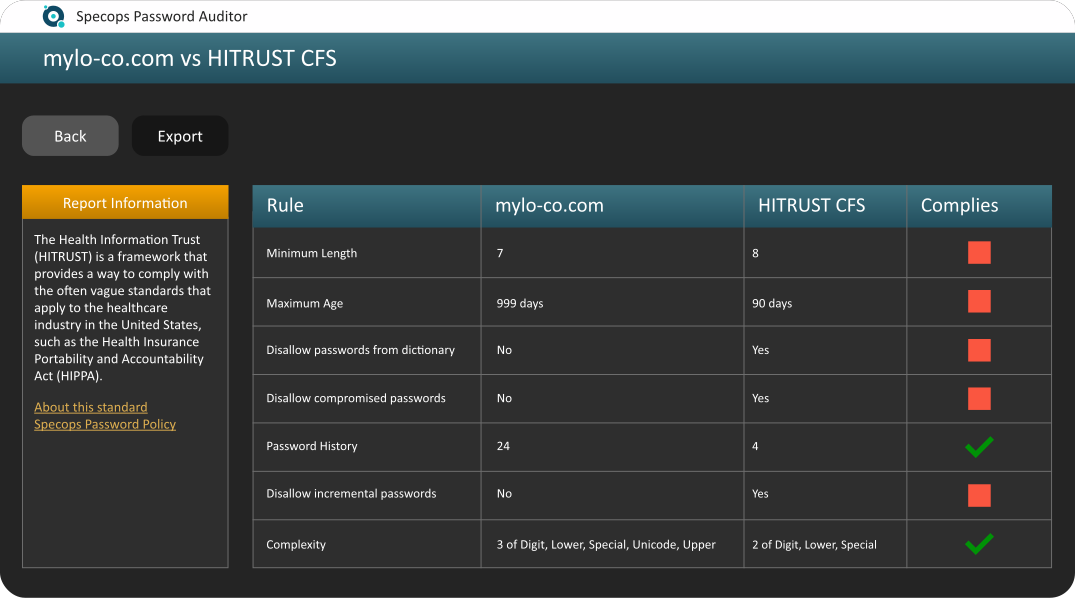
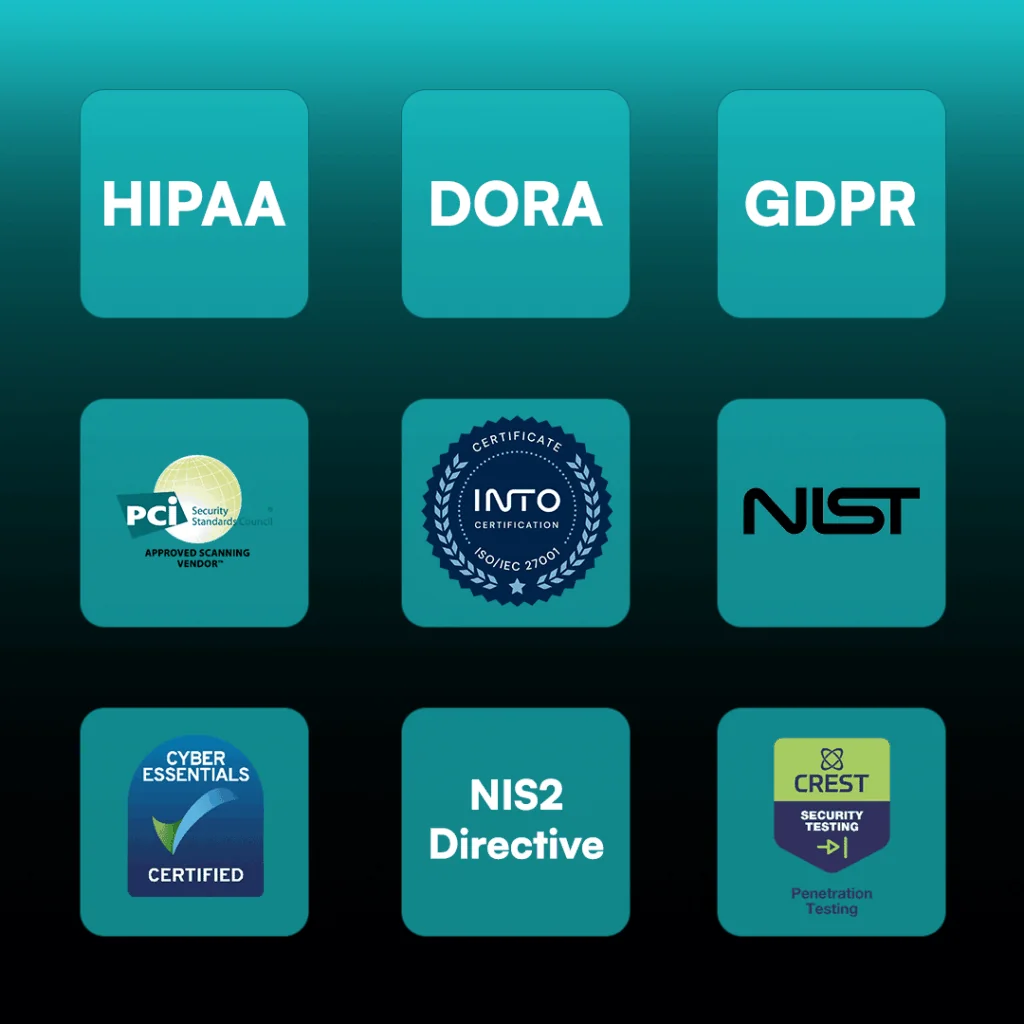
Simplify your compliance and audit efforts. Specops Password Auditor is designed to align with these common regulatory and industry requirements:
Specops Password Auditor will run a read-only scan of your Active Directory network. You can scan custom root, multiple OUs, or multiple trusted domains at once. You can also choose to anonymize username data in your results. Once your scan is complete, you can export results to a CSV or download an executive summary PDF to share with others. You can find more information on how to audit your Active Directory here.
Specops Password Auditor can run from any domain joined workstation (Windows 8 and above, or Server 2012 and above), either as a regular user, or as a domain admin. For a full list of the requirements, please refer to the installation guide.
A weak password policy in Active Directory does not disallow commonly used words nor does it block known breached passwords.
No. Specops Password Auditor is a reporting tool. It will only read information from Active Directory without making any changes. For more information, see Impact of running Specops Password Auditor on Active Directory.
Yes. Specops Password Auditor flags issues that impact how well your password policies defend against attacks like the use of compromised passwords and more. For a specific strength rating, you can see an entropy rating for each scanned password policy.
You can share results at your discretion via a report export. You can download an overview of results via the Executive Summary report or you can export individual report results to CSV. Before sharing, you may want to consider configuring your scan to run with anonymous user data. Alternatively, if your colleague has appropriate privileges, you can direct them to download and run Password Auditor themselves.
No. The reports only flag which accounts have passwords issues but don’t reveal the password itself. Only one-way encrypted password hashes are compared, the product contains no link between hashes and plain text passwords, and no passwords are revealed.
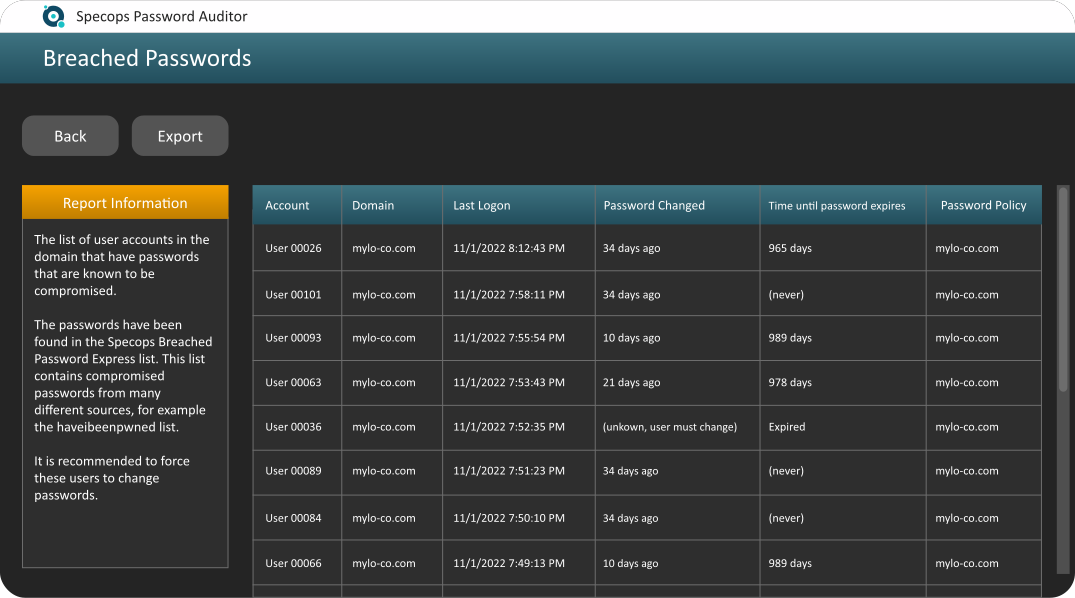
Specops Password Auditor compares hashes from your AD to hashes in the downloaded Breached Password list.
The Breached Passwords report does not use clear text passwords. The MD4 hashes of the compromised passwords are compared to the hashes of the passwords from the domain. The hashes are not stored, they are read and kept in memory by Specops Password Auditor.
The executive summary report export includes advice on how to resolve specific issues in your scan. It also includes some severity ratings and an overall password vulnerability score to help you prioritize your fixes. For a proactive approach against breached passwords, use Specops Password Policy’s Breached Password Protection to actively block and prevent the use of breached passwords.
Explore additional resources.
Weak password security can create thousands of potential attack routes into your organization. Audit your Active Directory today and get a view of your password-related vulnerabilities. Understand how it works.
Check our latest research, blogs, and best practices to level-up your cybersecurity program.
Understand how Storm-2949 leveraged the Entra ID SSPR process to access an organization’s cloud resources.
Read more

With the 2026 FIFA World Cup fast approaching, see how football influences password creation with this research from Specops.
Read more
Learn how attackers use mdxfind to uncover unknown or mixed hashing algorithms and make password cracking easier.
Read more