




Password manager security: Are password managers really safe?
Strong password security calls for a unique password for each account we use. But with our online lives growing increasingly complex, spreading across potentially…
Read moreMFA for Windows Logon, RDP, VPN, & SaaS Applications.

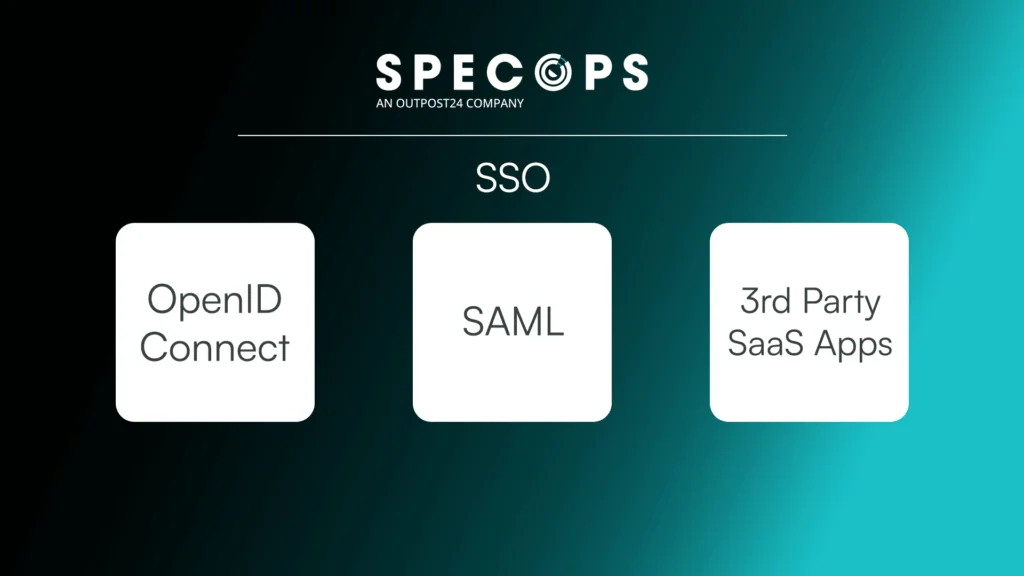
AI tools are automating credential attacks at scale, so MFA is increasingly a non-negotiable for compliance. Specops Secure Access defends against password attacks and fulfills compliance & cybersecurity insurance requirements. Includes SSO support for SaaS applications via OIDC and SAML, and integrates with SIEM, SOC, & Analytics platform for full security event visibility.
Microsoft found passwords are attacked 1287 times per second. The number of attacks on the password mean the password is more vulnerable than ever. Modern Active Directory password protection must include a layered approach. Specops Secure Access adds this important MFA layer to the Windows logon, RDP and VPN authentications. Together with Specops Password Policy, organizations can ensure their Active Directory password defenses are more complete.
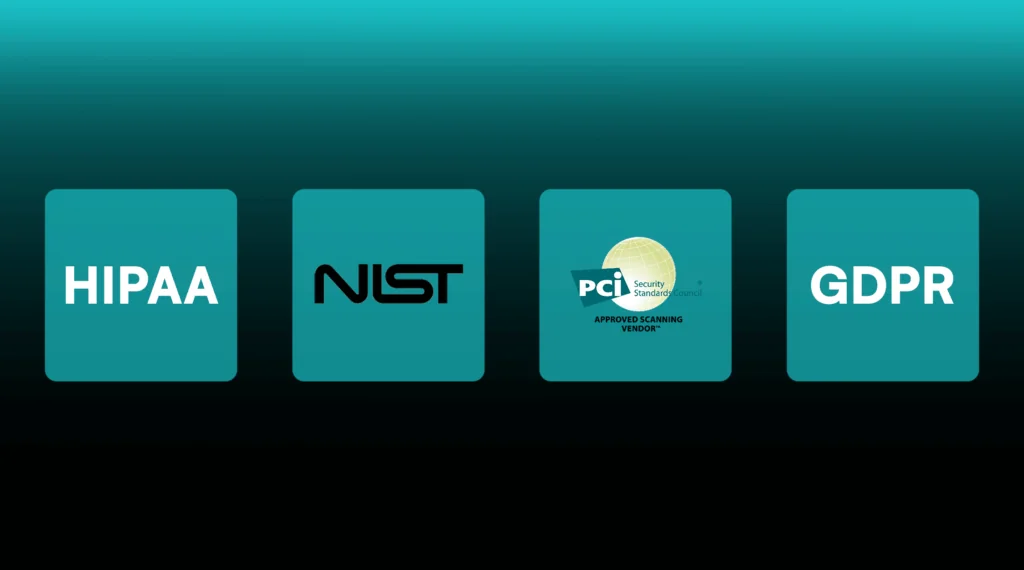
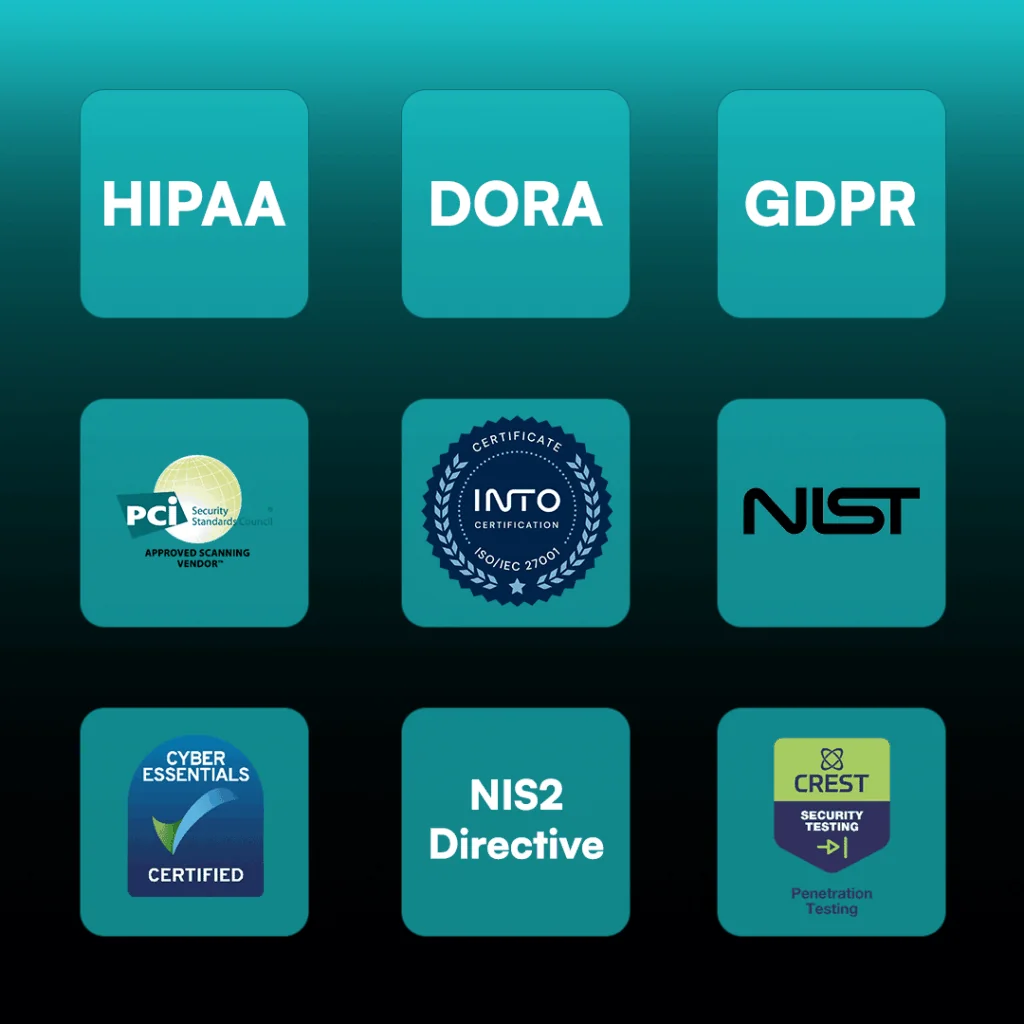
Simplify your compliance and audit efforts. Specops Secure Access is designed to align with these common regulatory and industry requirements:
Specops Secure Access is a multi-factor authentication (MFA) solution that adds an additional security layer to Windows logon, Remote Desktop Protocol (RDP), and RADIUS connections e.g. VPN, Remote Desktop Gateway Services. It helps organizations strengthen access controls in hybrid environments and meet compliance requirements.
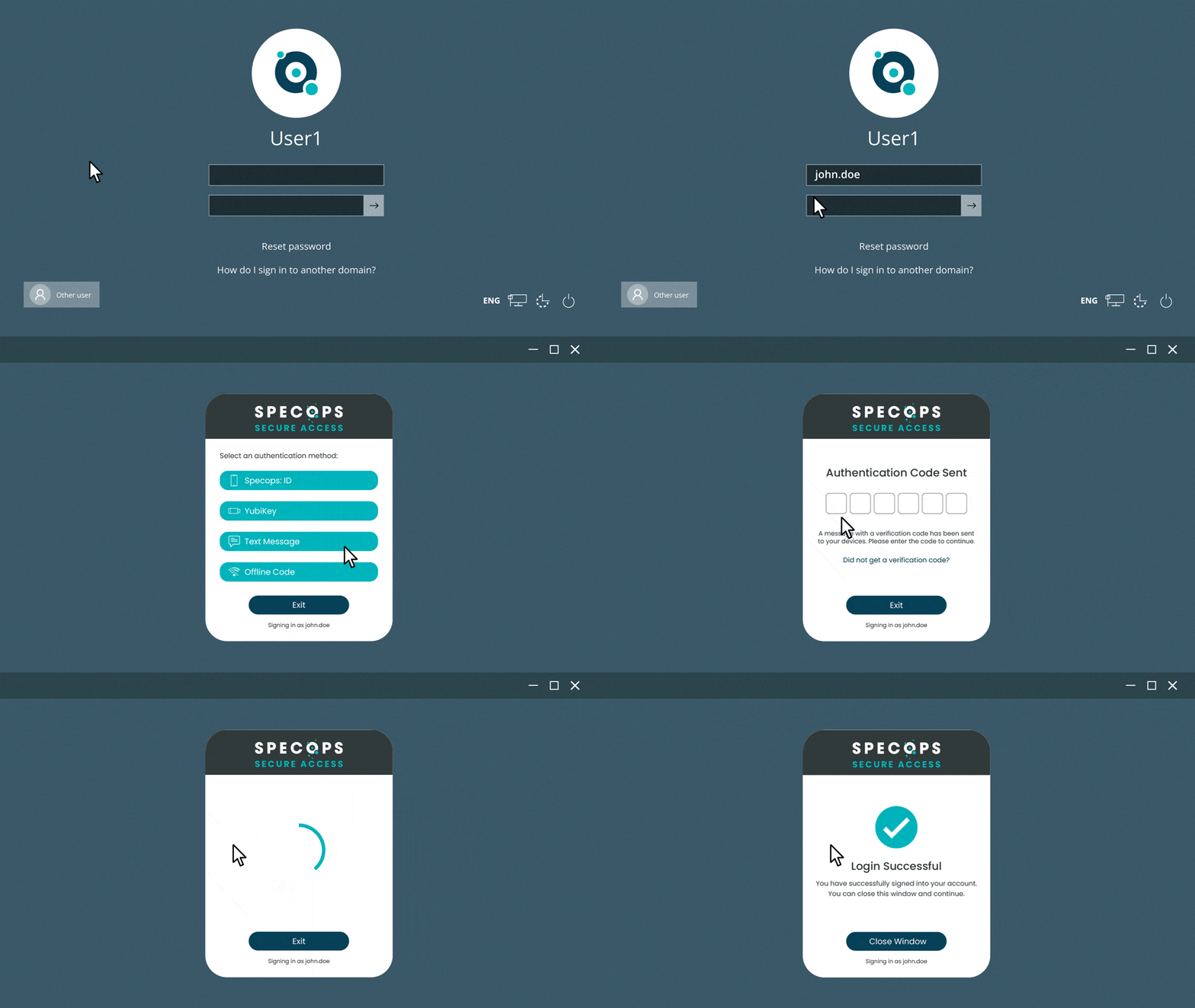
Specops Secure Access allows users to authenticate with their mobile device Biometrics using the Specops:ID mobile app. Secure Access also has flexible 2nd factor options they can use Yubikeys, mobile SMS message, or 3rd party providers like Microsoft Authenticator and Google Authenticator. Offline authentication is also available using one-time password (OTP) via those authenticator apps or using Yubikey.
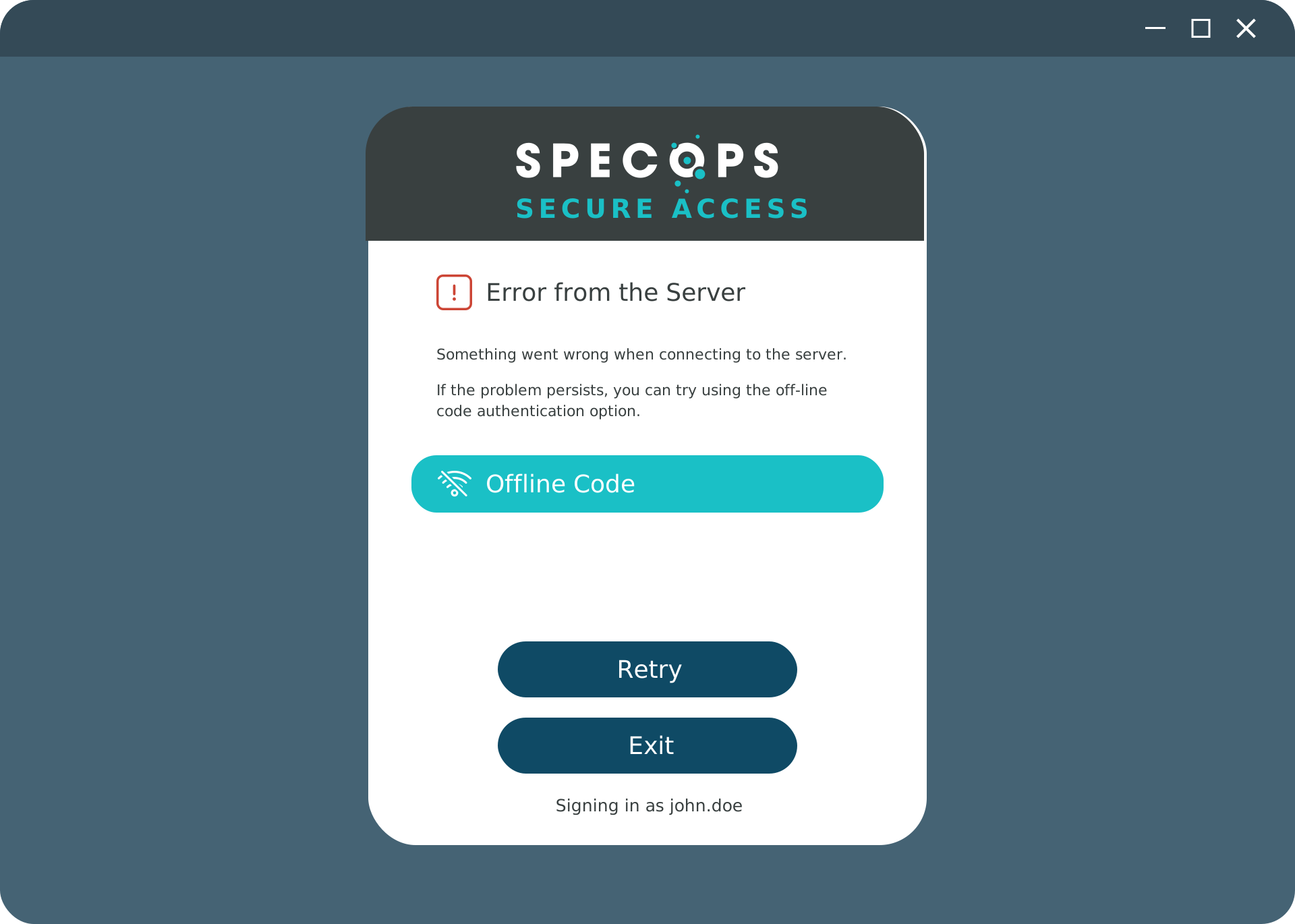
Yes. The solution supports offline authentication via OTP authenticators or Yubikey, ensuring users can securely log in even without a network connection.
Enrollment is guided automatically upon a user’s first authentication attempt through the Specops Client. Administrators can also utilise existing enrollments from other Specops Authentication products for password resets or encryption key recovery.
Yes. It integrates seamlessly with other Specops products, such as Specops Password Policy and Specops uReset.
Once the Specops Client is installed and configured, users enter their Windows passsword and are then prompted for the second authentication factor before gaining access to their desktop.
Yes. Organizations using VPN or RDP can enable MFA for remote connections via RADIUS.
Yes. Users can authenticate biometrically using the Specops:ID mobile app.
Specops Secure Access requires a Windows Server to host the Gatekeeper, which connects to Active Directory. Client computers must be domain-joined Windows 10 or Windows 11 devices with the Specops Client and CefSharp runtime installed. The system must have internet access to reach the Specops Cloud when enrolling. Integration with RADIUS (Windows NPS Server) is supported for VPN and RDP authentication scenarios. Multiple Gatekeepers can be deployed for redundancy.
Secure Access can be customized to align with organizational needs. Administrators can apply custom branding such as logos and colors, adjust MFA and authentication policies, and configure trusted networks. The solution also allows customization of SMTP and email settings, as well as delegation of administrative roles and scopes within Active Directory.
Specops provides comprehensive support resources for Secure Access, including detailed installation and administration guides, troubleshooting articles, and release notes. Additional documentation, product datasheets, and a searchable knowledge base are available on the Specops website. Customers can also contact the Specops Support team or their product specialist for technical assistance.
Explore additional resources.
Modern password security requires more than just password protections. See how Specops Secure Access can fit with your organization and reduce your attack surface with one simple Active Directory based MFA step.
Check our latest research, blogs, and best practices to level-up your cybersecurity program.
Strong password security calls for a unique password for each account we use. But with our online lives growing increasingly complex, spreading across potentially…
Read more
As more organizations adopt cloud-first or hybrid IT strategies, identity and access management (IAM) has taken on a new level of complexity. According to…
Read more
The phrase ‘spray and pray’ likely came from the military, used to describe inaccurately firing automatic weapons in the hope that one shot eventually…
Read more