




Password manager security: Are password managers really safe?
Strong password security calls for a unique password for each account we use. But with our online lives growing increasingly complex, spreading across potentially…
Read moreReduce Helpdesk Costs With Secure Self-Service Password Resets

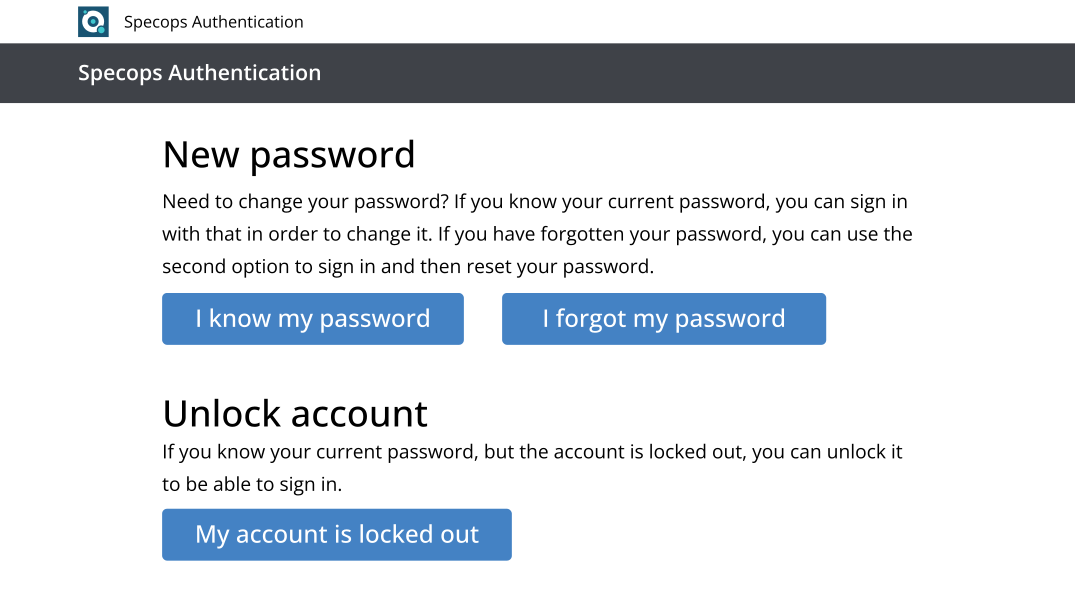
Attackers target self-service resets with automated push bombing and AI-generated phishing: uReset is built so neither gets through. uReset lets users securely reset their Active Directory or Entra ID passwords (and, when using Active Directory, update local cached credentials) from any location, device, or browser, whether on or off VPN. Integrates with SIEM, SOC, & Analytics platform for full security event visibility.
Gartner found 40% of all help desk calls to the service desk are related to passwords – and Forrester estimate each reset costs $70. Why not ditch the hassle without impacting end user experience? Specops uReset lets your end users easily and securely reset their own passwords. You can also reduce the time and cost burden on service desks and IT teams by taking away the headache of managing endless password recoveries and resets.
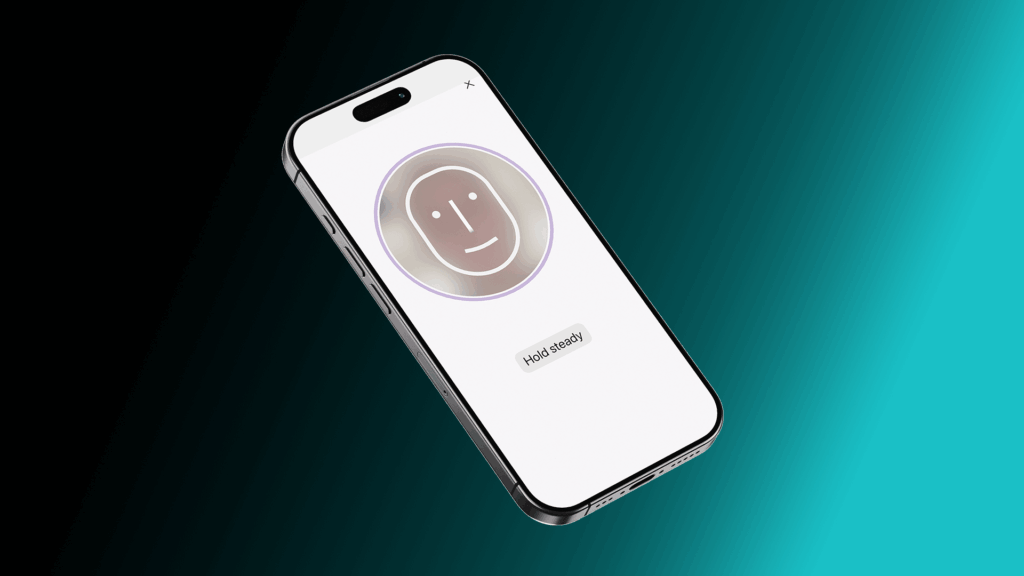
As AI-generated deepfakes make it increasingly easy for attackers to fabricate convincing identity documents and bypass voice or face-based checks, Specops Verified ID provides a verification layer that synthetic media cannot fool: government-issued document scanning combined with AI-driven biometric liveness detection.
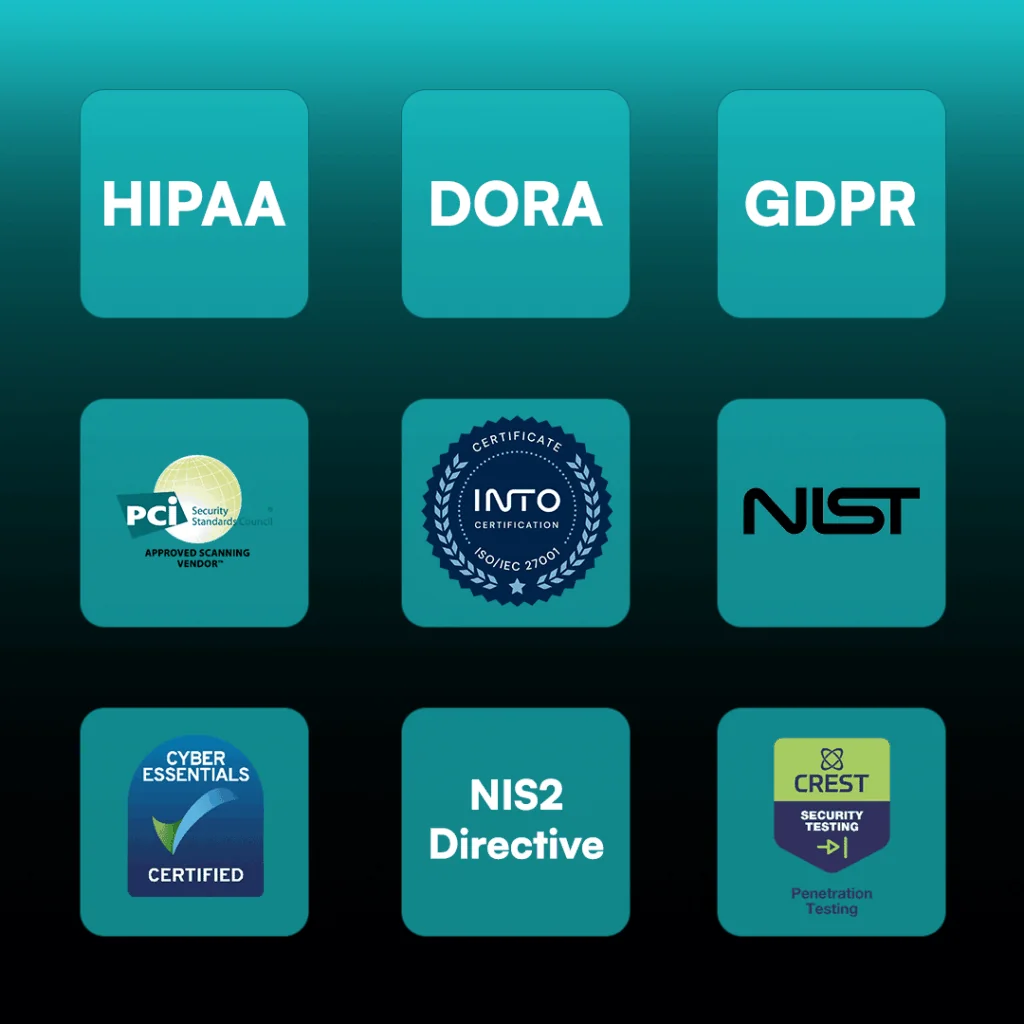
Simplify your compliance and audit efforts. Specops uReset is designed to align with these common regulatory and industry requirements:
SSPR lets end users reset or change their own Active Directory or Entra ID passwords—whether they’re in the office, remote, on or off VPN—via a web browser, Windows logon screen, or mobile app. When using Active Directory, Specops uReset verifies user identity with multi-factor authentication and then updates both AD and local cached credentials in one seamless flow.
Reduced helpdesk load: 40 % of service-desk calls are password-related, and each reset can cost ~$70. Automating resets frees IT to focus on higher-value work.
Improved end-user experience: Users solve their own password issues quickly and securely, from any device or location.
Cost savings: Organizations typically save tens of thousands annually in reduced call-volume costs.
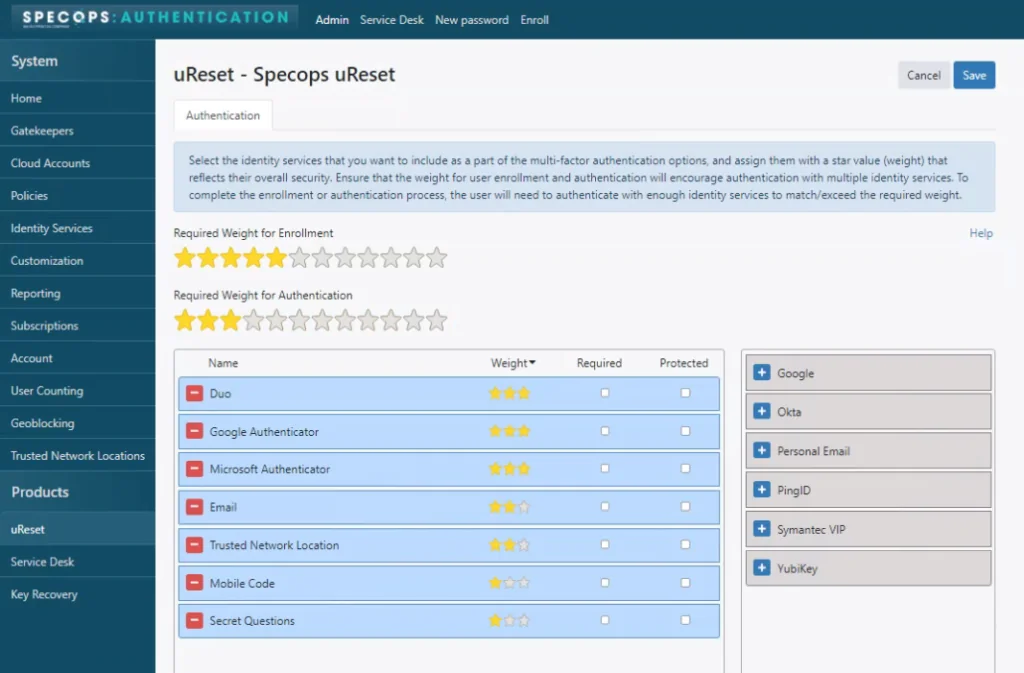
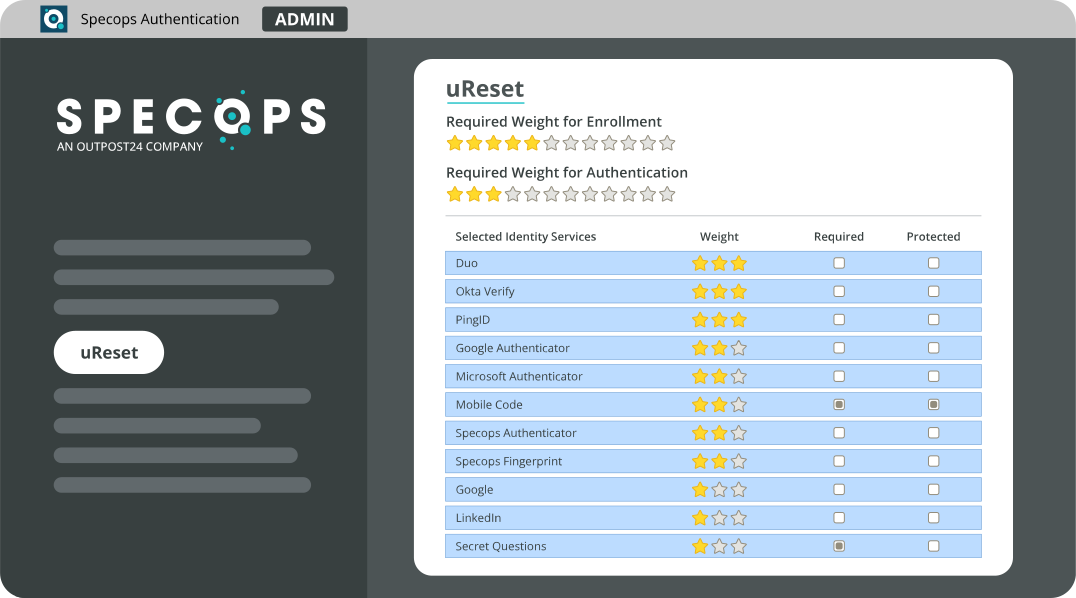
Specops uReset integrates with Specops Secure Access, as well as with over 20 identity providers, including Duo Security, Google/Microsoft Authenticator, Okta, PingID, Symantec VIP, YubiKey, mobile code, Passkeys, Entra ID, and more. You can require one or multiple factors to ensure secure identity verification.
Auto-enrollment: Pulls identifier data from AD to automatically enroll users.
Guided enrollment: Prompts users via email, balloon pop-ups, or a full-screen browser on Windows logon.
Enforcement: You can lock down access until users complete enrollment, ensuring full coverage.
Yes—uReset lets you block or allow resets based on country or specific IP address ranges, adding an extra layer of location-based security.
Absolutely. It leverages your current directory for authentication, policy enforcement, and reporting—no directory migration required.
Beyond MFA and geo-blocking, uReset includes MFA-fatigue–resistant factors (trusted network location, passkeys), optional integration with Specops Password Policy to block compromised passwords in real time, and full audit trails to detect abnormal reset patterns.
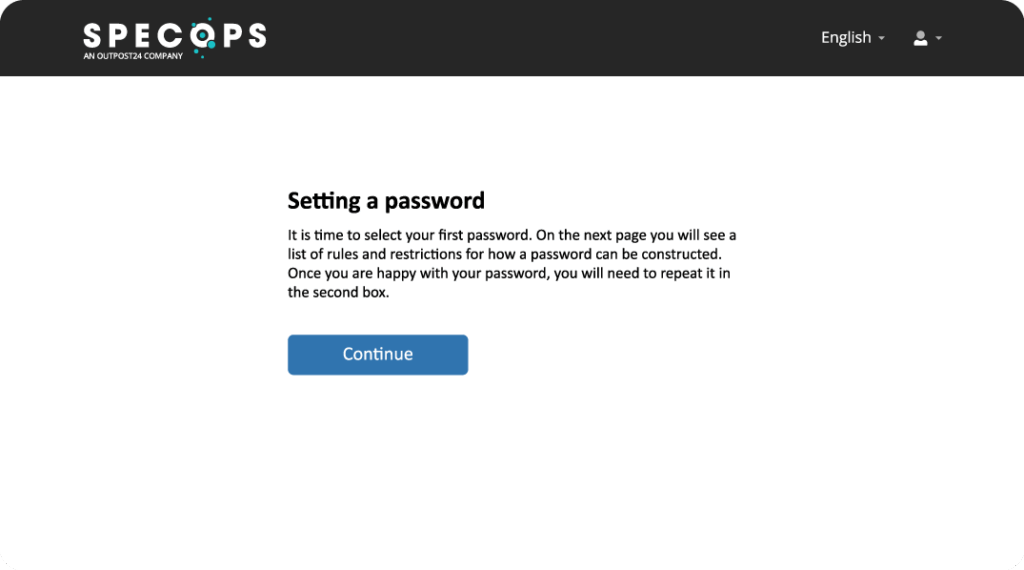
A secure onboarding feature that lets new hires verify their identity (via mobile code or personal email) before setting their first AD password—eliminating shared “welcome” passwords and enhancing new-employee security.
Yes, the latest Specops Client has built-in Imprivata compatibility, giving your users a seamless password reset experience on Windows devices.
Explore additional resources.
Password resets are a small annoyance that add up to lots of wasted time and resources. Find out how uReset can fit into your organization to reduce helpdesk calls and improve end user experience.
Check our latest research, blogs, and best practices to level-up your cybersecurity program.
Strong password security calls for a unique password for each account we use. But with our online lives growing increasingly complex, spreading across potentially…
Read more
As more organizations adopt cloud-first or hybrid IT strategies, identity and access management (IAM) has taken on a new level of complexity. According to…
Read more
The phrase ‘spray and pray’ likely came from the military, used to describe inaccurately firing automatic weapons in the hope that one shot eventually…
Read more